
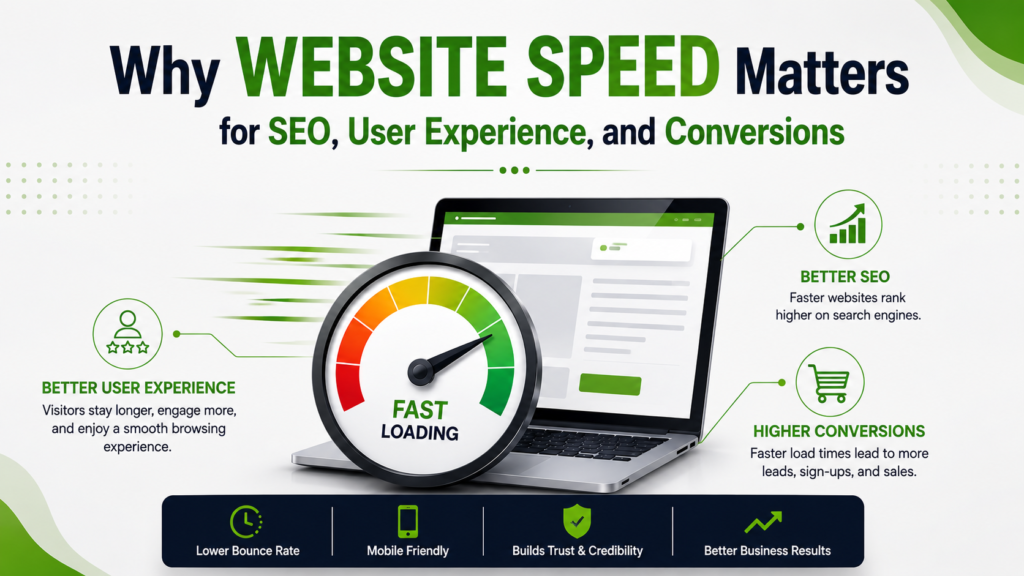
So, even if your website looks great and has solid content, it doesn’t matter if it loads slowly. People won’t stick around to see what you offer. These days, users expect sites to load fast, whether they’re on a laptop or a phone. If your site lags, you’re losing potential leads before you even get started.
Actually, speed isn’t just about convenience. It changes how people use your site, whether they fill out a form, buy something, or just leave. It also affects how search engines judge your site overall.
That’s why you need to think about speed right from the planning stage, not as a technical fix after launch.
If you’re building a website in Hyderabad, don’t just focus on design or features. Performance needs to be part of the plan, along with content, security, and SEO. A good-looking site that loads slowly just adds friction and hurts your customer journey.
How Website Speed Affects User Experience
The first few seconds decide if someone stays or bounces. That’s how fast people make up their minds online.
Picture this: someone searches for your service, clicks your link, and then waits. If your page takes too long, they’re gone. They’ll just pick the next result.
This creates several user-experience problems.
Slow Pages Create Friction
People just want answers fast. If your site drags, even basic things feel like a hassle-especially on mobiles or older devices.
A faster website makes it easier for users to:
- Navigate between pages
- Read important information
- View images and videos
- Submit enquiry forms
- Add products to a cart
- Complete checkout
- Find contact information
Mobile Performance Matters
Most businesses get a lot of traffic from mobiles now. But mobile users often deal with slow networks, so your site needs to handle that.
Don’t assume your desktop site is the real experience. Always test on different devices and connections. That’s where most issues show up.
That’s why you need to build for mobile and speed from day one if you want your site to rank and convert.
Why Website Speed Matters For SEO
Search engines care about user experience, not just keywords. Speed is a big part of that, along with everything else technical and user-focused. not guarantee higher rankings. Search visibility depends on many factors, including relevance, content quality, technical accessibility, authority, search intent, and page experience.
But if your site is slow, you’ll run into both technical and user problems that kill your results.
Core Web Vitals
Google’s Core Web Vitals focus on important aspects of page experience, including:
- Largest Contentful Paint (LCP): Measures loading performance.
- Interaction to Next Paint (INP): Measures how quickly a page responds to user interactions.
- Cumulative Layout Shift (CLS): Measures visual stability.
These metrics show you where users might get frustrated with your site.
Don’t treat Core Web Vitals as just another SEO hack. The real goal is a site that loads fast, works smoothly, and doesn’t break when people use it.
Faster Websites Can Support Better Crawling
You also need to think about speed along with crawlability and how your site is structured.
A solid site structure helps search engines find your key pages. Efficient resources make everything run smoother.
This is why Website Speed Optimization should be part of a broader technical SEO process rather than handled separately.
How Website Speed Can Influence Conversions
Getting visitors to a website is only step one. Generate an enquiry, schedule an appointment, request a quotation, purchase a product, or submit a form.
Every extra step or delay just gives them a reason to leave.
Slow Landing Pages Can Affect Campaign Performance
Consider a business running Google Ads.
The company may invest in:
Advertisement → Landing Page → Enquiry Form → Sales Follow-Up
If your landing page is slow, you’re still paying for ads, but people leave before they even see your offer.
This matters even more if you’re running paid campaigns. Your landing page speed directly affects your ad performance and ROI.
A fast landing page makes the jump from ad to site smooth, so you don’t lose people along the way.
Checkout Speed Matters For E-Commerce
For e-commerce, speed issues can pop up anywhere in the buying process:
Product Page → Cart → Checkout → Payment → Confirmation
If any step is slow or clunky, people will just abandon their cart.
E-commerce websites should therefore test performance across the entire purchasing journey rather than checking only the homepage.
Common Reasons Websites Become Slow
Usually, slow sites aren’t caused by just one thing. It’s a mix of technical and design choices.
Large Images
High-resolution images can significantly increase page weight.
Make sure your images are the right size and compressed, but don’t kill the quality.
Use modern image formats and responsive images so browsers only load what each device needs.
Too Many Scripts
Tracking tools, chat widgets All those tracking tools, chat widgets, ad pixels, and plugins just add more work for the browser. would have a clear purpose.
If a website contains tools that are no longer being used, removing them can reduce unnecessary overhead.
Poorly Optimized Hosting
Your hosting setup decides how fast your site loads.
Look at hosting speed, server response, caching, scalability, and where your users are before picking a host.
Unnecessary Plugins
Too many plugins can bog down your CMS.
Some plugins may add extra scripts, slow down your database, or cause conflicts. Architecture can make ongoing performance management easier.
Unoptimized Code
Messy CSS or JavaScript can slow things down too.
Get your developers to minify code, split files, defer loading, use caching, and remove anything you don’t need.
Practical Website Speed Optimization Techniques
There’s no magic button for speed. It’s about making a bunch of small improvements that add up.
- Optimize Images
Compress images before you upload. Only use the size you actually need-don’t upload a massive image if a small one works.
- Use Browser And Server Caching
Caching allows frequently requested resources to be stored and reused instead of being generated or downloaded each time unnecessarily.
- Reduce Unnecessary Third-Party Scripts
Regularly check your analytics, ads, chat, and social tools. Keep what helps your business, ditch the rest.
- Improve Server Response Time
Good hosting and a well-set backend mean your pages start loading faster.
- Load Non-Critical Resources Efficiently
Load images and videos later if they’re not needed right away. Let the important stuff show up first.
- Test Performance Regularly
Every time you add a plugin, new page, campaign, or tracking tool, your site speed can change.
Test regularly so you catch issues before they hurt your traffic or conversions.
Build Speed Into Website Development
It’s way easier to build for speed before your site gets complicated.
If you’re starting a new site in Hyderabad, make speed part of your initial checklist.
A well-planned development process should consider:
Planning → UX Design → Development → Technical SEO → Performance Testing → Launch → Monitoring
It’s better to plan for speed up front than to launch and then realize your site is slow because of big images, extra scripts, or messy code.
When you’re designing landing pages, keep them fast. You don’t need fancy animations or heavy effects. Clear messaging, good visuals, and a simple CTA usually work best.
What Makes A Website SEO-Friendly?
Speed matters, but SEO-friendly means more than just loading fast.
You also need a solid foundation. That means:
- Logical site structure
- Search-friendly URLs
- Proper heading hierarchy
- Descriptive page titles and meta descriptions
- Mobile responsiveness
- Crawlability
- Internal linking
- Image optimization
- Structured data where appropriate
- Secure HTTPS implementation
- Useful, original content
- Clear conversion paths
The goal is simple: build a site that works for your users, search engines, and your business.
Don’t just create a service page for keywords. Make sure it answers real questions, explains your service, builds trust, and gives people a clear next step.
A Simple Website Performance Checklist
Before you launch or redesign, check these areas:
Performance
- Are images compressed?
- Are unnecessary scripts removed?
- Is caching configured?
- Is the hosting environment suitable?
Mobile
- Does the website work comfortably on smaller screens?
- Are buttons easy to tap?
- Does important content appear quickly?
SEO
- Can search engines crawl important pages?
- Are titles and headings properly structured?
- Are internal links useful?
- Are images appropriately optimized?
Conversions
- Is the CTA easy to find?
- Are enquiry forms simple?
- Is contact information accessible?
- Does the checkout process work smoothly?
Testing
- Has the website been tested on multiple devices?
- Have important landing pages been checked?
- Are Core Web Vitals being monitored?
Final Thoughts
Speed isn’t just a technical thing. It’s part of how people experience your brand.
A fast site makes it easier for people to navigate, reduces friction, helps your ads perform, and boosts your SEO. But don’t forget-speed is just one part. You still need good content, technical SEO, usability, security, and a clear conversion plan.
Whether you are building a new website or improving an existing one, Website Speed Optimization should be part of the process from the beginning.
If you’re investing in website development in Hyderabad, don’t just aim for a pretty site. Build one that loads fast, is clear, works everywhere, supports SEO, and helps people take action easily.
An SEO-friendly site brings all these pieces together so it works for your customers and your business.
Is your website slow, difficult to navigate, or not generating the results you expect?
Contact us today to discuss a performance-focused website strategy designed to improve speed, user experience, SEO readiness, and conversions.
FAQs
- Why is website speed important?
Website speed affects how quickly visitors can access content and interact with your website. A faster experience can reduce friction and make it easier for users to browse, enquire, or complete a purchase.
- Does website speed affect SEO?
Yes. Website performance is one part of the broader page experience considered by Google. Core Web Vitals, mobile usability, technical SEO, content quality, and relevance all contribute to overall search performance.
- How can I improve my website speed?
Start by optimizing images, reducing unnecessary scripts and plugins, improving caching, reviewing hosting performance, optimizing code, and regularly testing important pages across devices.
- Can a slow website reduce conversions?
Yes. If visitors have to wait too long for a page, form, product, or checkout process to become usable, some may leave before completing the desired action. Faster pages can create a smoother conversion experience.
- Should website speed be considered during development?
Absolutely. Performance is easier to manage when it is considered during planning and development rather than treated as a separate task after launch. A strong website should combine speed, usability, technical SEO, and conversion-focused design